Jump to a section
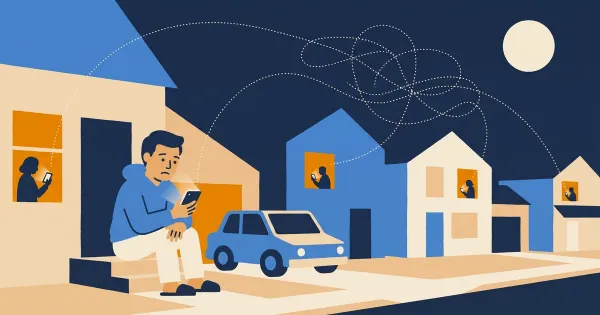
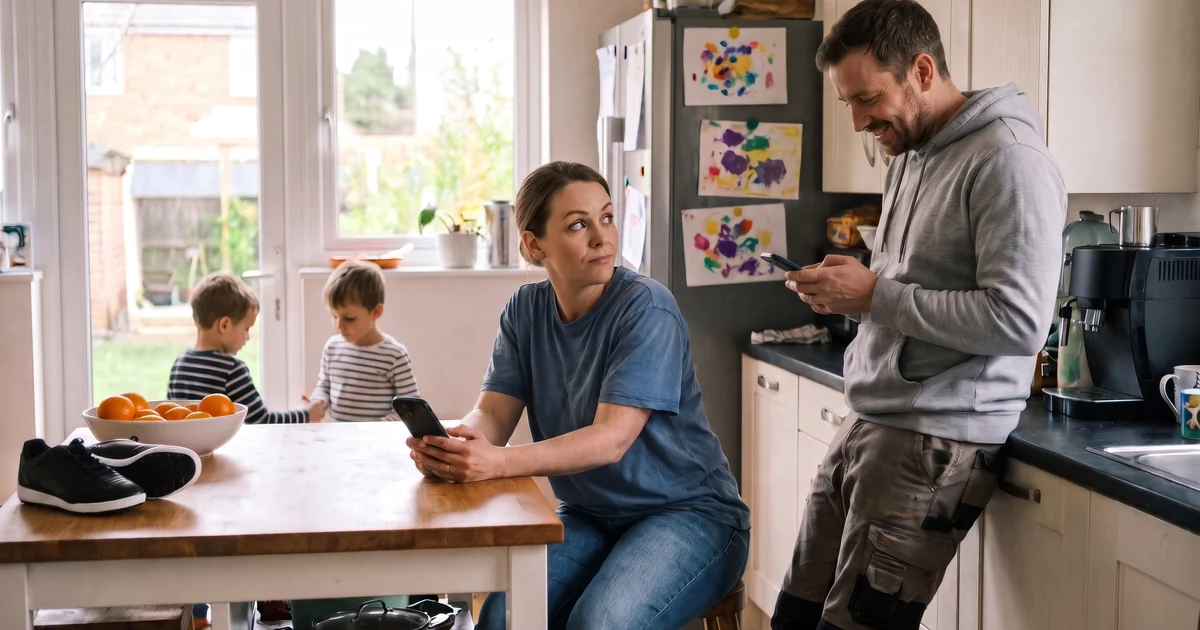
It's Wednesday evening. School pickup is tomorrow at 3:30. You just realized you can't drive: dentist appointment. You open the shared Google Sheet, find Thursday's driver column, and type your name in. Meanwhile, across town, another parent in the carpool is doing the exact same thing because she also can't make it and is trying to swap shifts.
You both save. One of you wins. The other's change disappears without a trace.
Thursday arrives. Nobody shows up at school because everyone thinks someone else is driving.
This is the carpool edit conflict problem. It's one of the most common, and most dangerous, failure modes in shared schedule coordination. It doesn't happen because anyone made a mistake. It happens because the tools families use to manage carpools weren't designed for simultaneous editing by multiple people under time pressure.In this article, we'll break down exactly why edit conflicts happen, why most apps don't solve them, and how distributed locking (the same basic idea banks use to stop the same money being spent twice) can protect your carpool from silent overwrites.
Why Edit Conflicts Happen in the First Place
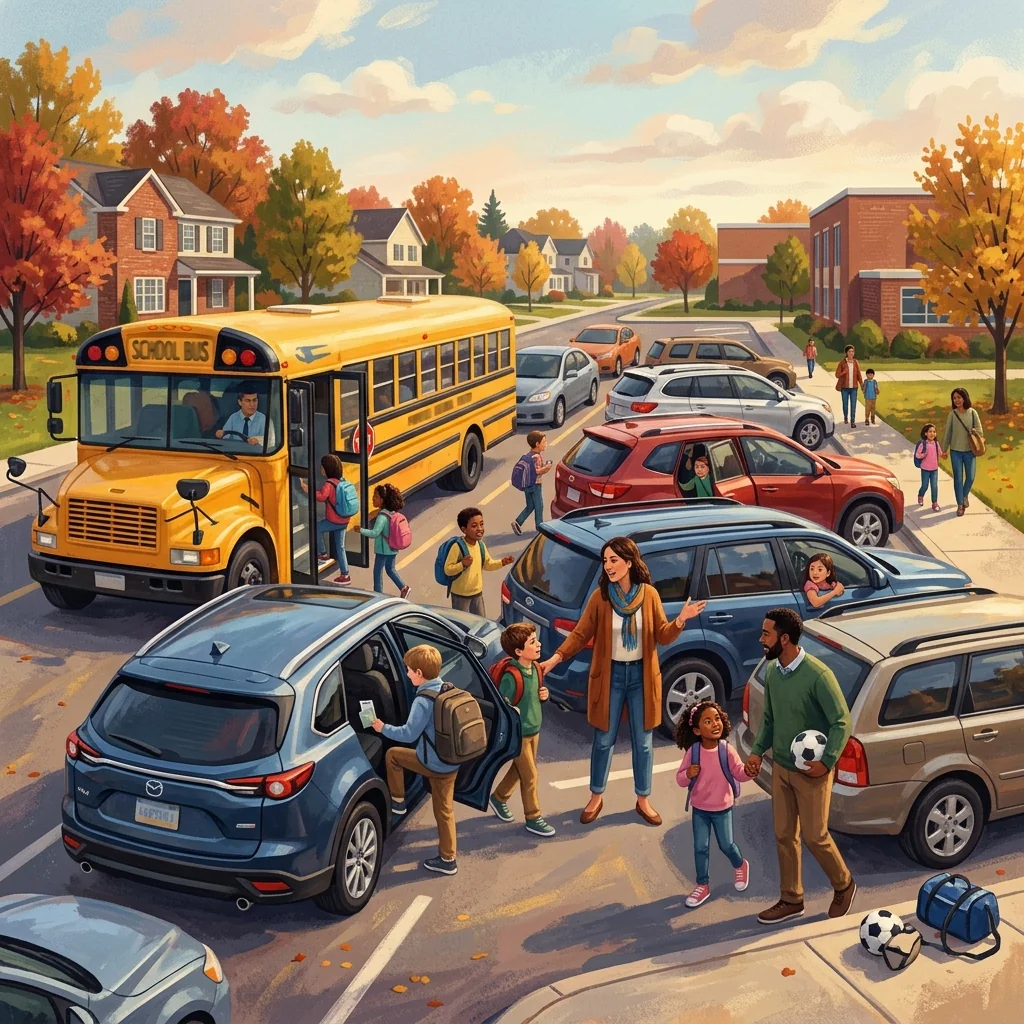
To understand why two parents can overwrite each other's changes, you need to understand how most shared documents work under the hood.
When you open a Google Sheet, a shared notes app, or a basic web form, your device loads a snapshot of the current data. That snapshot sits on your screen while you read, think, and make changes. The problem is that snapshot is already going stale the moment it loads. If someone else is making changes at the same time, your local copy doesn't know about it.
When you hit save, one of two things happens:
- Last write wins. Your change is saved, and it simply overwrites whatever was there before, including another parent's change that came in one second earlier.
- A merge conflict error. The system detects that the data changed since you loaded it and throws an error, but only if it was built to check.
Why Spreadsheets Are the Worst Offenders

Google Sheets does have real-time collaboration built in. You can see other cursors moving around. So why doesn't it prevent conflicts?
The answer is that Google Sheets is built for simultaneous viewing of changes, not for protecting discrete logical records. If two people type in the same cell at the same time, Sheets will show you both edits in real time, but the final saved value is determined by who stopped typing last. There's no concept of "this cell is currently being edited by someone else, wait your turn."
For free-form documents, this is fine. For structured scheduling data, where Thursday's driver slot is a specific, critical field, it's a problem.
Custom spreadsheet templates and shared notes apps have the same issue, just without even the visual real-time indicator. You open the doc, you make a change, you save, and you have no idea whether your save landed on top of someone else's.
The Real-World Consequences
Most of the time, carpool edit conflicts don't cause immediate disasters. They cause slow-burn confusion.
The silent overwrite. Parent A changes Thursday's driver from themselves to Parent B. Parent C was simultaneously fixing a different part of the same row and overwrites Parent A's change without knowing. Now the schedule still shows Parent A as Thursday's driver. Parent A doesn't drive. Parent C doesn't drive. Parent B never knew she was needed. The version drift. Two parents are each looking at their own cached version of the schedule. They text each other to sort out a conflict, agree on a resolution, and each update the schedule from their respective stale views. The second save doesn't include the first save's changes. The schedule reflects neither parent's intention. The false confirmation. You see a success message when you save, because your save did succeed, from a technical standpoint. The app has no idea it just erased a change that came in 400 milliseconds earlier. You close the app confident the schedule is correct. It isn't.These scenarios happen because the schedule is treated as a simple document rather than as a shared resource with concurrent access patterns.
How Distributed Locking Solves This
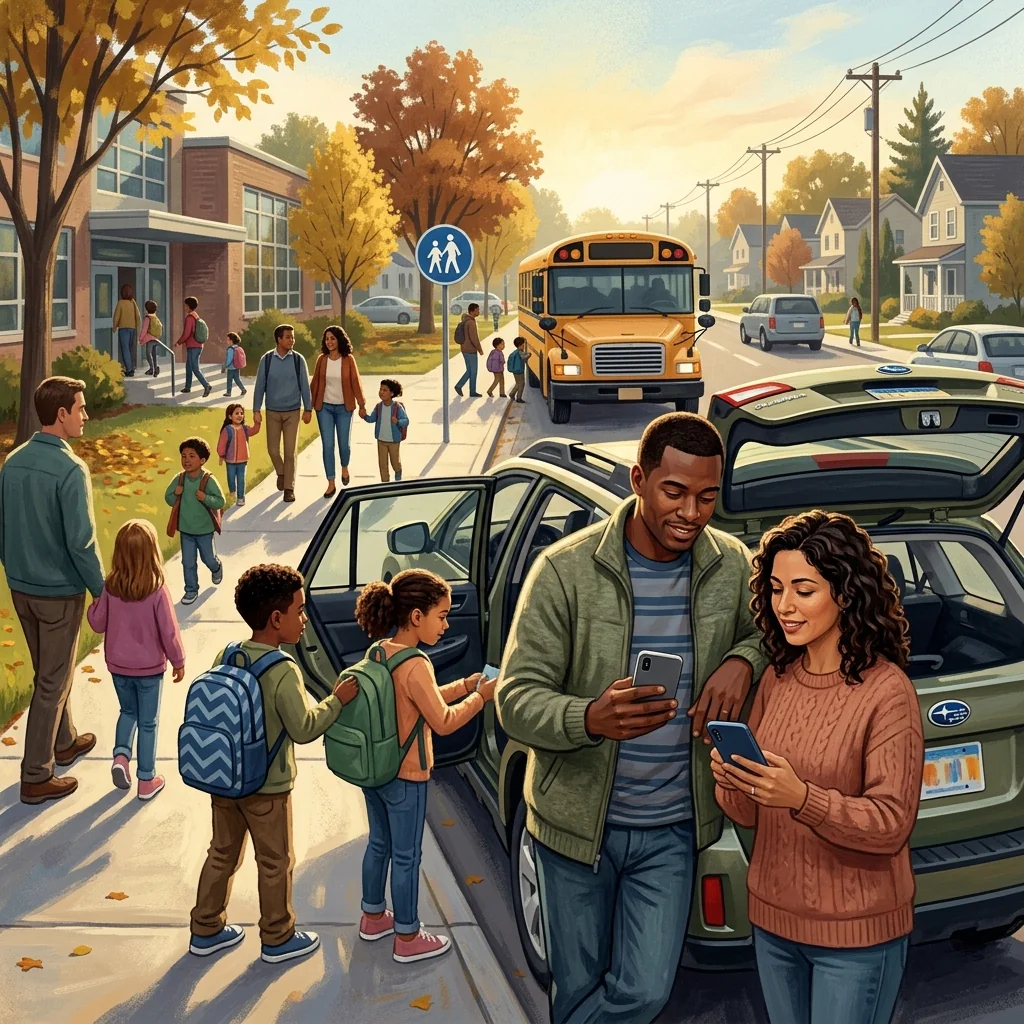
The solution that modern collaborative systems use is called a distributed lock, and while the name sounds technical, the concept is intuitive.
Think of it like a physical sign-up sheet at a school office. When someone picks up the clipboard to write something down, everyone else can see that the clipboard is in use. They wait. When the person puts the clipboard back, the next person picks it up. Nobody writes at the same time. Nobody's entry gets erased.
Distributed locking applies that same concept to digital data:
- When you start editing a time slot, the app immediately claims a lock on that slot. It's like picking up the clipboard.
- Other users who try to edit the same slot see a clear indicator: "Sarah is currently editing Thursday afternoon." They can't make changes until Sarah's done.
- When Sarah saves or cancels, the lock is released. The clipboard goes back on the desk. Other parents can now edit.
- If Sarah walks away from her phone mid-edit, the lock automatically expires after a short window (typically a few minutes), so the schedule doesn't stay frozen indefinitely.
The Key Difference: Optimistic vs. Pessimistic Locking
There are two main approaches to handling concurrent edits:
Optimistic locking lets everyone edit freely and only checks for conflicts at save time. If a conflict is detected, you get an error and have to re-merge manually. This is better than silent overwrites, but it still creates friction and confusion at the worst possible moment: when you're trying to confirm a last-minute schedule change. Pessimistic locking (what Carpool-Q uses) prevents conflicts from happening at all. You can't start editing a slot that someone else is already editing. This is slightly more restrictive, but it means you never encounter a conflict. The schedule is always in a known, consistent state.For carpool scheduling, where slots are small, edits are quick, and coordination is time-sensitive, pessimistic locking is the right call. You're not collaborating on a shared document for an hour. You're updating a specific slot in 30 seconds. The lock approach fits the use case exactly.
Why Most Carpool Apps Don't Bother
If distributed locking solves the problem so cleanly, why don't more apps use it?
Because it's genuinely hard to build correctly, and most carpool apps are built on simple database writes without real-time coordination infrastructure.
Building a distributed lock system requires:
- A database that supports atomic transactions (Firestore, for example, does)
- A mechanism to detect stale locks and expire them automatically
- A real-time listener on every client so the lock state propagates instantly to all open sessions
- Session awareness so a lock held by Tab A on your phone doesn't block Tab B on the same device
- Graceful degradation if the lock can't be acquired, showing a clear, non-scary message to the user
For a small carpool, this works right up until it doesn't. And when it fails, it fails silently.
What It Looks Like in Carpool-Q
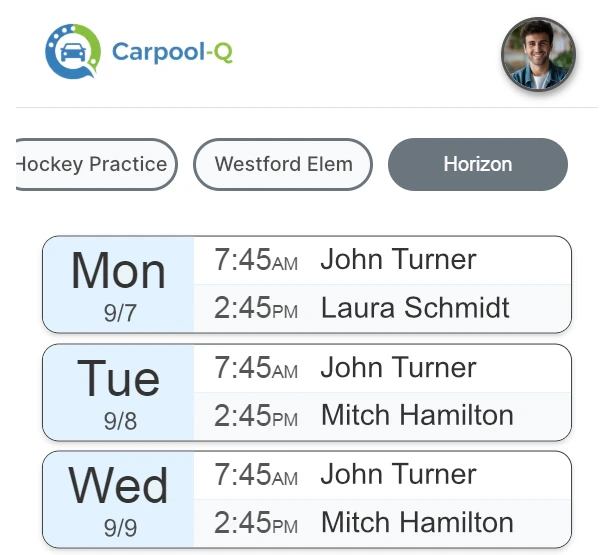
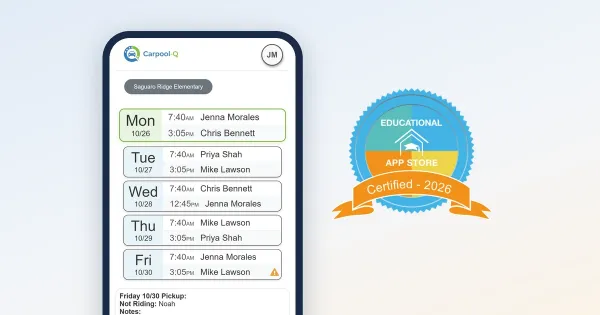
In Carpool-Q, every time slot in the schedule has its own distributed lock backed by Firestore. Here's what the experience looks like from a parent's perspective:
- You tap a time slot to edit it. The app immediately acquires a lock. Other parents see a small indicator next to that slot showing your name and "editing."
- You make your change and save. The lock releases. Other parents can now edit that slot.
- If your phone goes to sleep or loses its connection mid-edit, the lock expires within about 5 minutes. Nobody gets stuck waiting forever.
- If you try to edit a slot that someone else is already editing, you see a lock with their name on it. You wait a moment or reach out to them directly.
The system also distinguishes between browser tabs within the same account. If you have the app open in two tabs, your second tab sees your first tab's lock. It doesn't block itself; it just prevents other users from colliding with you.
Frequently Asked Questions
What happens if my internet drops while I'm editing a slot? The lock will automatically expire after 5 minutes with no activity. Other parents will see the slot as locked briefly, then available again once the TTL (time-to-live) elapses. You won't corrupt any data; your partial edit simply won't be saved. Can a lock get stuck permanently? No. Every lock has a maximum lifespan. Even if an app crashes or a user closes their phone mid-edit, the lock expires on its own. There's no way to permanently block a slot. What if two parents really need to edit the same slot simultaneously? They can't, which is the point. One will see the "someone is editing" indicator and wait 30 seconds for the other to finish. This tiny friction is infinitely preferable to a silent overwrite that leaves a child without a ride. Does locking slow down the app? In practice, no. Lock acquisition is a single Firestore transaction that typically completes in under 100 milliseconds. For the parent editing, the experience is instantaneous. The real-time listener that shows the lock indicator to other users adds negligible overhead. Does Carpool-Q use this for all edits or just certain ones? Lock protection applies to time slot edits, the most conflict-prone action in any carpool schedule. Administrative changes like adding a new member or updating the carpool name use standard database writes, since those are much less likely to collide.The Bottom Line
Carpool scheduling looks simple on the surface: a handful of families, a recurring weekly grid, a few names in boxes. But it's a surprisingly demanding real-time coordination problem when you zoom in. Two parents under time pressure will sometimes edit the same slot at the same time. When they do, the system needs to handle it correctly, not silently pick a winner.
If you're currently managing your carpool in a shared spreadsheet or a basic notes app, you've probably already had a silent conflict you didn't know about. The schedule looked fine. It just wasn't.
Carpool-Q was built with distributed locking as a core feature, not an afterthought. Every time-slot edit is protected. Every parent sees who's currently editing. No changes disappear.Ready to stop hoping your carpool schedule is accurate and start knowing it is? Try Carpool-Q free at carpoolq.com.